Orb Setting Menu
To interact with the Orb settings menu, click or tap on the ... next to the Orb name in the summary view or in the top right-hand corner of the detail view.
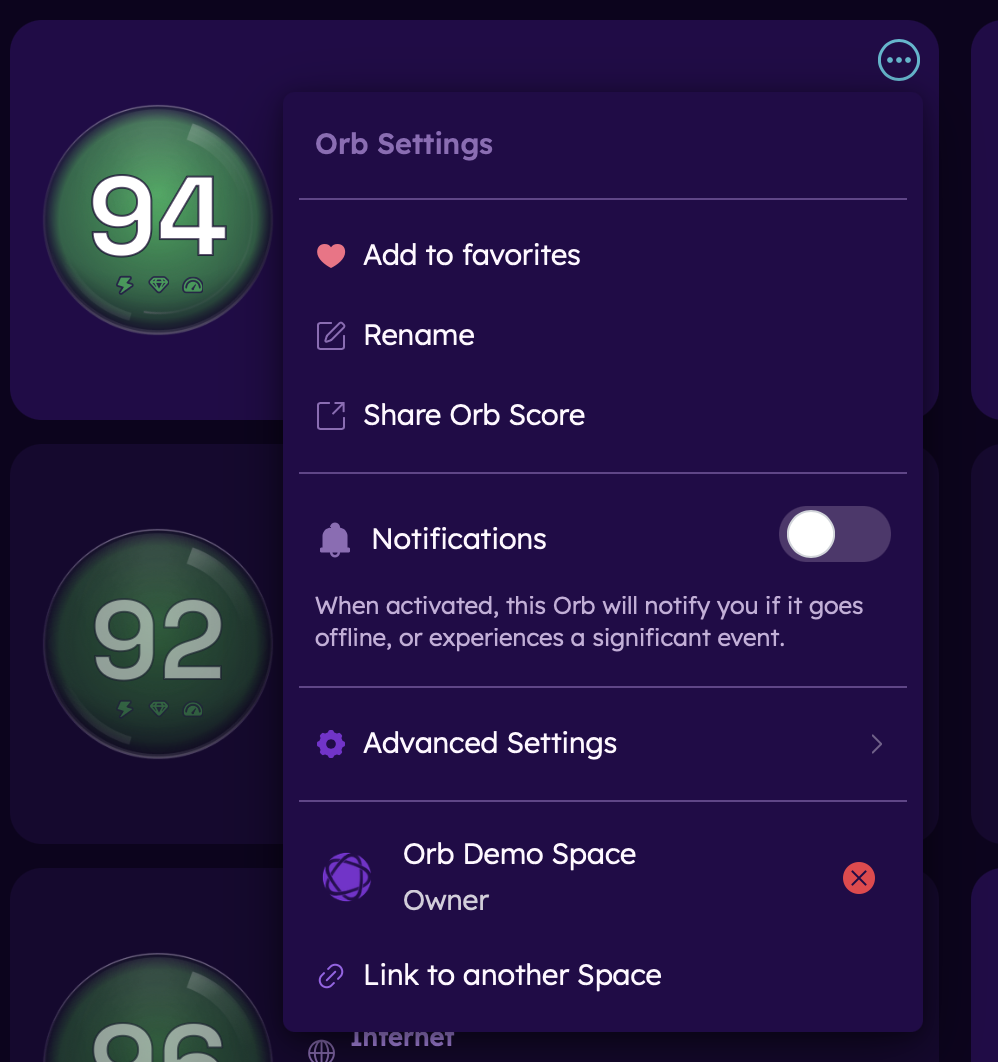
Add to favorites
Adding an Orb to favorites promotes this Orb in your summary view.
- To add an Orb to favorites, open the menu and select "Add to favorites".
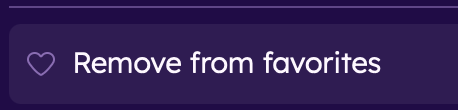
- To remove an Orb from favorites, open the menu and select "Remove from favorites".

Rename
Renaming a device.
- To rename a device, select "Rename", type the new name, and click "Save".

Share Orb Score
Generate a link to share your Orb Score and details.

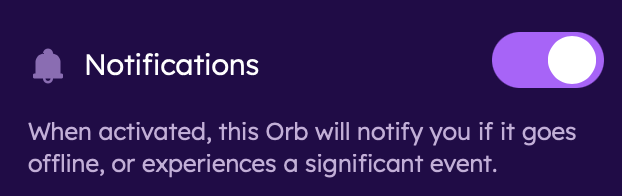
Notifications
To receive notifications from this Orb, toggle on the Notifications setting.
Orb linking
Managing Orb account links.
- To remove an existing account link, click or tap on the red "x" next to the account.
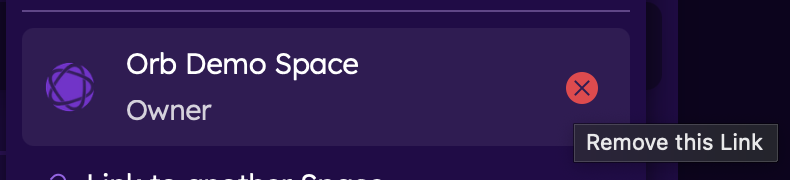
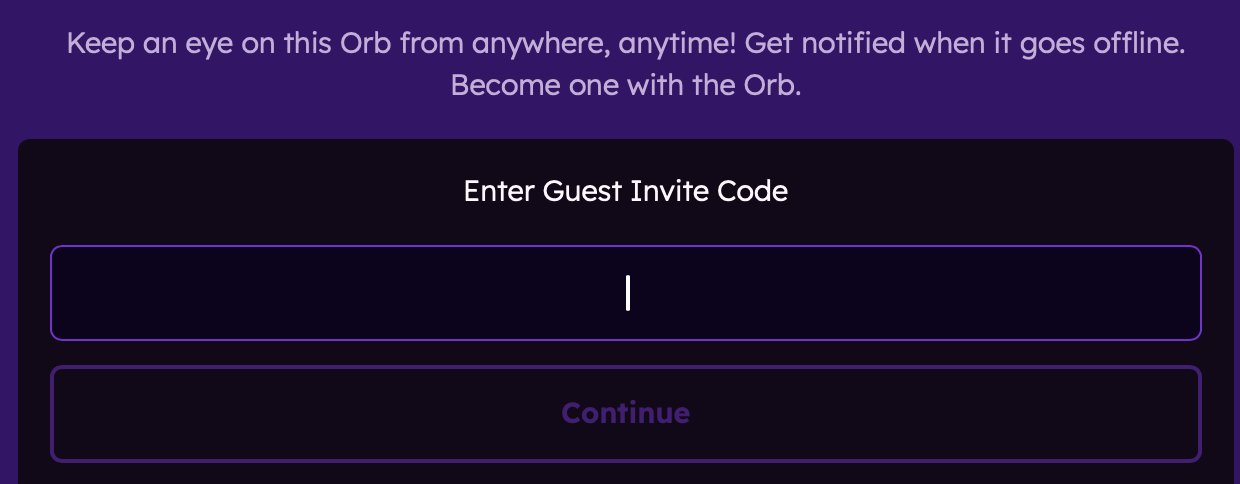
- To link the Orb to another account via a guest Orb invite, click or tap on the "link to another account" option.
- Enter the Guest link code to proceed.

Advanced Settings
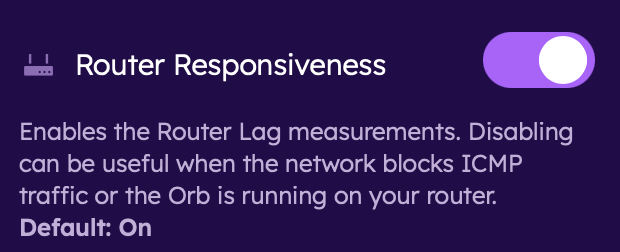
Router Responsiveness
Enables the Router Lag measurements (on by default). Disabling can be useful when the network blocks ICMP traffic or the Orb is running on your router.
- To disable, toggle off the Router Responsiveness setting.
Include ICMP
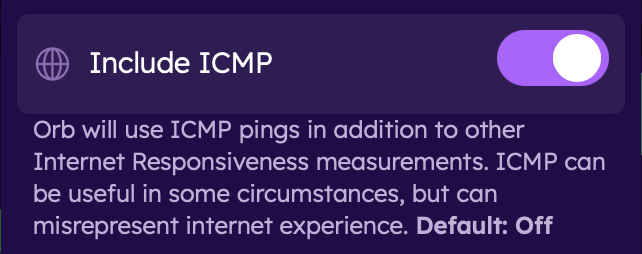
Includes ICMP pings (off by default). Enabling ICMP can be useful in some circumstances, but can misrepresent the internet experience.
- To enable, toggle on the Include ICMP setting.
Orb Measure Server
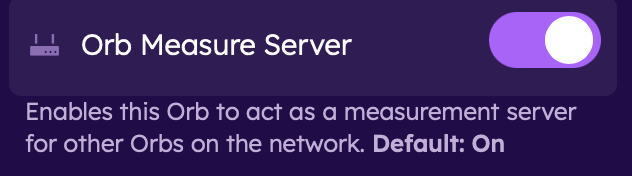
Enables the Orb to act as a measurement service for other Orbs on the network (on by default).
- To disable Orb Measure Server, toggle off.
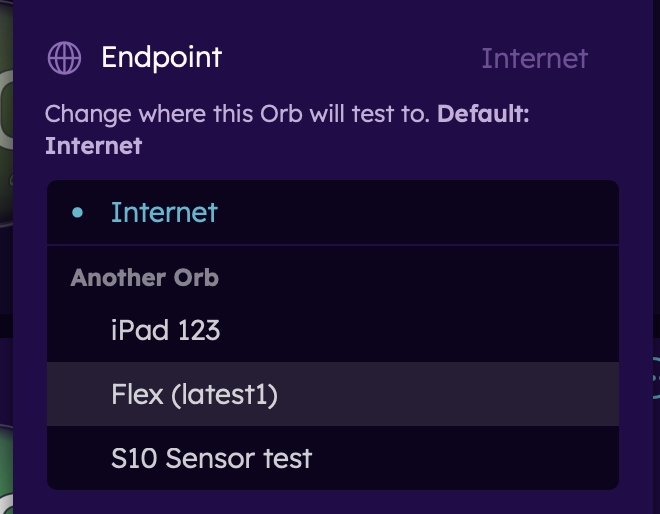
Endpoint
Change the measurement endpoint from the internet to another Orb on your network. This can be particularly useful when isolating network paths, such as testing the Wi-Fi on your network.
- To change the measurement endpoint, tap on the setting and select an Orb to test to.
Next Steps
Now that you've configured your Orb settings, learn more about: