Orb Cloud API
The Orb Cloud API allows you to access Orb details, stream real-time data, and trigger speed tests via API for use in your customer-facing or back of house apps.
API access requires an Orb Cloud Pro (previously Plus or Business) or service contract (previously Enterprise). A Pro plan is available with a 14-day free trial. For special considerations or questions about API access entitlements, please contact the Orb team.
Features
- Device Management: Retrieve information about all Orb devices in your organization
- Real-time Data Streaming: Stream live connectivity metrics from your devices
- Temporary Dataset Configuration: Configure custom data collection with webhook endpoints
- Organization Access: Query devices across your organization hierarchy
API Reference
The full API specification is available at:
https://panel.orb.net/api/v1/docs
Authentication
The Orb Cloud API uses Bearer token authentication. You'll need to create an API key from the Orb Cloud dashboard.
Creating an API Key
- Log into Orb Cloud
- Navigate to the Orchestration tab
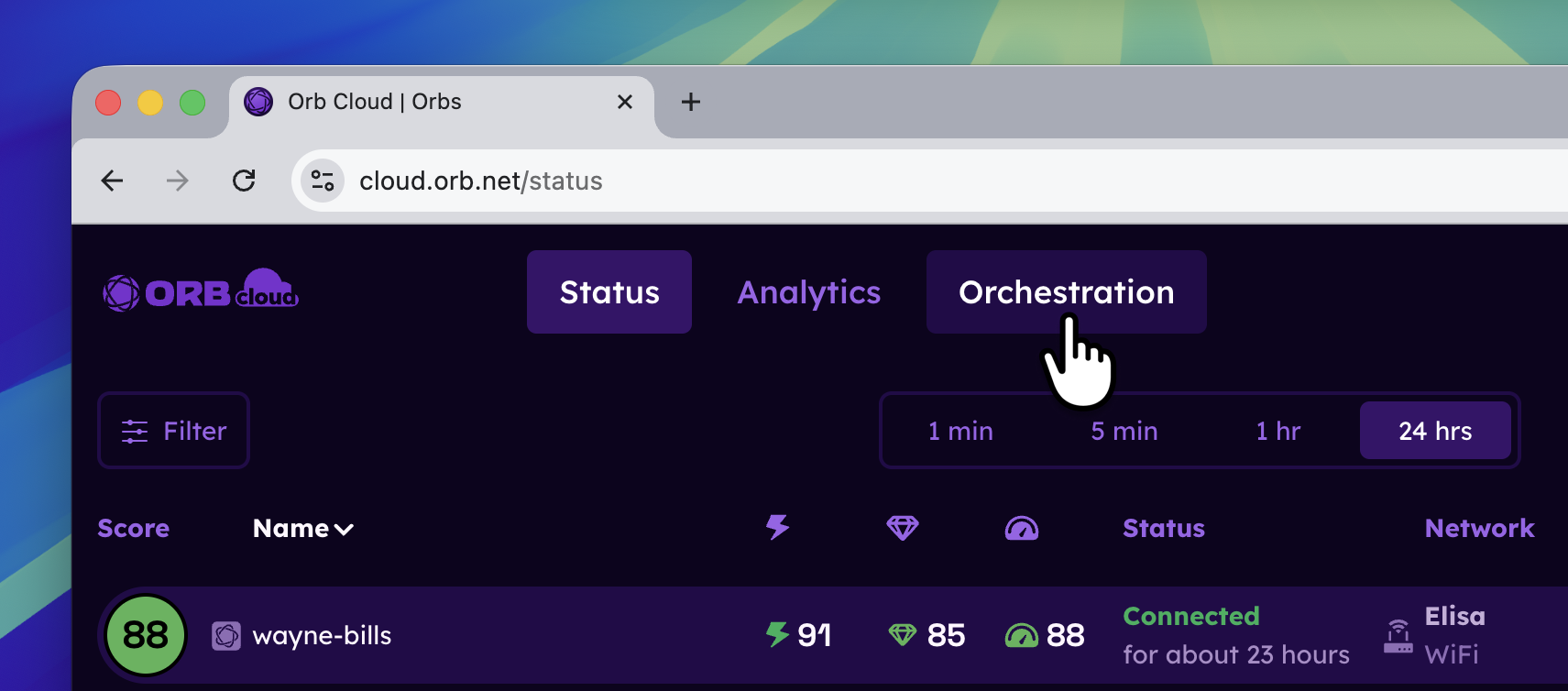
- In the API Keys section, click the New API Key button.
- In the Create API Key window:
- Give the API key a name of your choosing
- Select the appropriate permissions based on your use case:
- Organizations: Read access to list and query organizations
- Devices: Read access to list devices, Stream access for real-time data
- Datasets: Write access to configure temporary data collection
- Click the Create button.
- In the API Keys section, the new key will appear. Click on it to copy it to the clipboard.
Using the API Key
Include your API key in the Authorization header of all requests:
curl -H "Authorization: Bearer YOUR_API_KEY" \
  https://panel.orb.net/api/v1/organizations
Python Client Library
For Python developers, we provide an official client library that simplifies API integration.
pip install orb-cloud-clientSee the orb-cloud-client listing for up-to-date documentation on usage with examples.
Rate Limits
API requests are subject to rate limiting. If you exceed the limits, you'll receive a 429 Too Many Requests response. Implement exponential backoff in your applications to handle rate limiting gracefully.
Support
For additional help with the Orb Cloud API:
- Join our Discord community
- Contact the Orb team
- Visit the API Reference
- See the Python client on PyPI